
EV Charging Stations
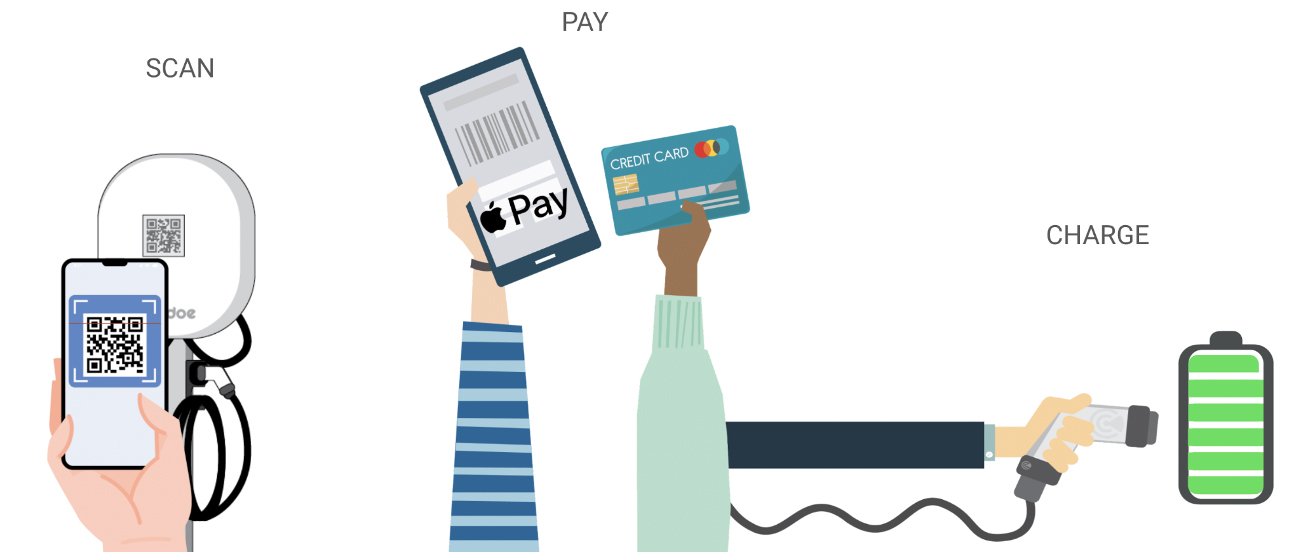
How to use a Noodoe Powered Charging Station (Scan, Pay, Charge)
How to use a Noodle Powered Charging Station (Scan, Pay, Charge)
How can I start charging?
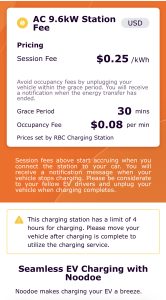
The first page will give basic station information, such as pricing and site details. Tap “Next” once you have reviewed the pricing.
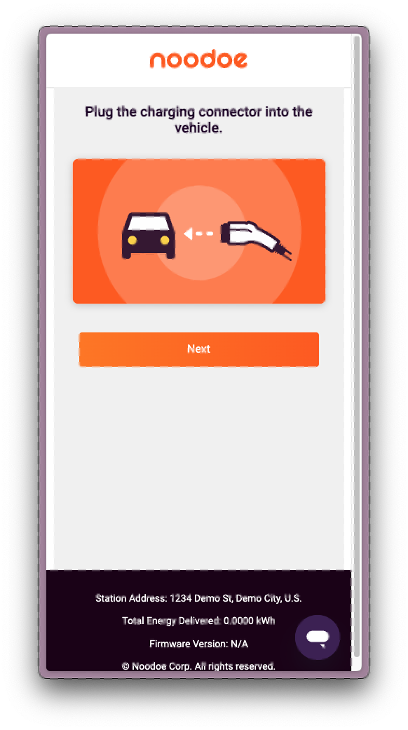
Plug in your vehicle. Tap “Next” when complete.
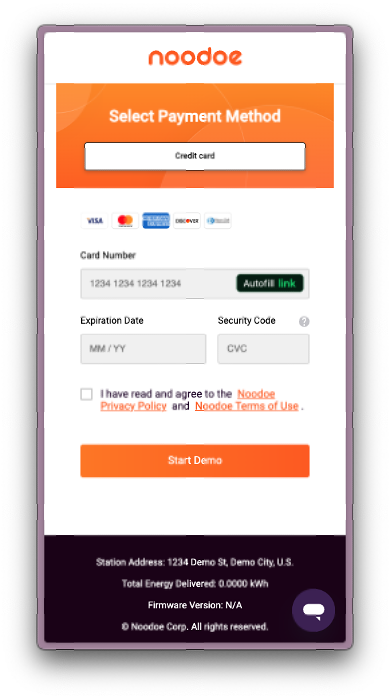
Select your preferred payment method. You can choose between manually entering your credit card information, Apple Pay, Google Pay, or alternative methods listed in the mobile web portal which vary by site. Tap “Start” when complete.
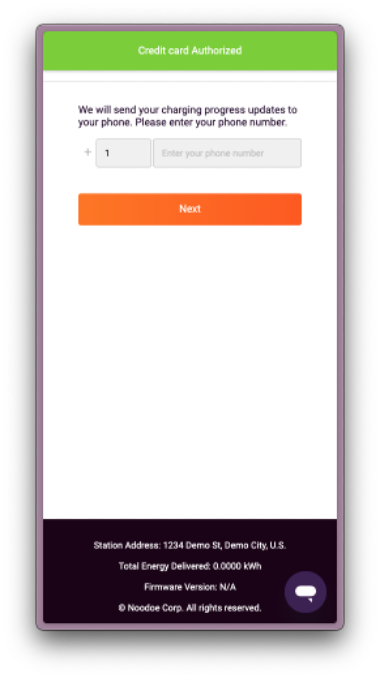
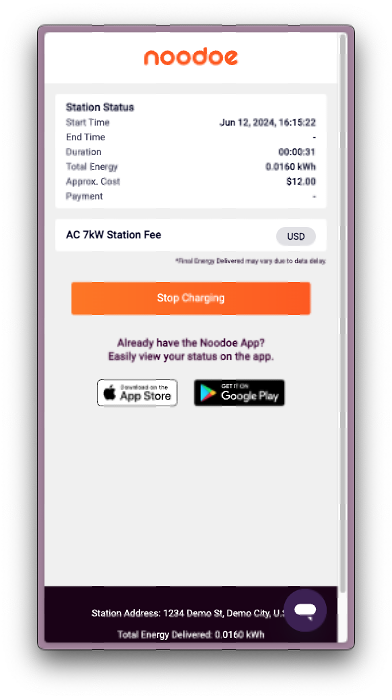
Enter your mobile phone number. You will receive an SMS text updating you when your session starts, ends, and if there are any errors during your session.
Campus Police
EMERGENCY
(804) 862-6111 or 911
Non-Emergency
(804) 863-4085
Fax
(804) 862-6776
Chief
(804) 862-6279
Title IX Coordinator
Maze Hall, President’s Office
(804) 862-6483 (office)
(804) 712-7141 (mobile)
Silent Witness
Anonymous Crime Reporting
